

You paste a brand color into a converter, copy the HSL value into your stylesheet, and later convert it back to hex for a design tool. The hex that comes out is not the one you started with. It is off by a digit or two, close enough that nobody would notice by eye, but different enough that a strict equality check in your tests fails and your design tokens no longer match the brand guide.
This is not a bug in any one converter. It is arithmetic. The same thing happens in every tool that handles color, because the two notations store information in different ways. This guide explains where the drift comes from, how large it can get, and what to do about it when you manage a real palette.
Two Notations That Describe the Same Color Differently
A hex color like #3B82F6 is just three numbers written in base 16. The pairs 3B, 82 and F6 are the red, green and blue channels, each an integer from 0 to 255. There are exactly 16,777,216 possible combinations, and every one of them is a distinct hex code.
HSL describes the same color with hue, saturation and lightness instead. Hue is an angle on a color wheel from 0 to 360 degrees, while saturation and lightness are percentages. The model is described in the Wikipedia article on HSL and HSV, and it exists because people find it easier to reason about "a bit lighter" or "a bit less saturated" than about three RGB channel values.
The conversion between them is exact in mathematics. You can go from RGB to HSL and back with no loss at all if you keep every decimal. The trouble starts when the numbers are written down.
Where the Rounding Happens
When you convert #3B82F6 to HSL, the real answer is a hue of about 217.2 degrees, a saturation of about 91.2 percent and a lightness of about 59.8 percent. Nobody writes it that way in a stylesheet. The CSS you copy says hsl(217, 91%, 60%), because whole numbers are tidy and most tools round for display.
Now run the trip in reverse. Hue 217, saturation 91 and lightness 60 are slightly different inputs than the ones that produced the original color, so they land on a slightly different place on the wheel. Converting hsl(217, 91%, 60%) back gives #3C83F6. The red channel moved from 3B to 3C and the green from 82 to 83. Two of three channels changed, and the blue stayed put.
That is the entire mechanism. Information was thrown away when the decimals were trimmed, and it cannot be recovered by converting back.
A Few Real Examples
The size of the drift depends on the color, so it helps to see several. These were worked out by converting each hex code to HSL, rounding hue to a whole degree and saturation and lightness to whole percents, then converting back.
-
3B82F6 becomes hsl(217, 91%, 60%) and returns as #3C83F6
-
FF6B35 becomes hsl(16, 100%, 60%) and returns as #FF6933
-
2A9D8F becomes hsl(173, 58%, 39%) and returns as #2A9D90
-
E9C46A becomes hsl(43, 74%, 66%) and returns as #E8C468
-
264653 becomes hsl(197, 37%, 24%) and returns as #274754
None of these moved by more than two steps in any channel, out of 255. That is below what most people can see on a normal screen. It is still enough to break an equality test, and it is enough that a color picked from a design file and a color from your CSS will not match when a tool compares them exactly.
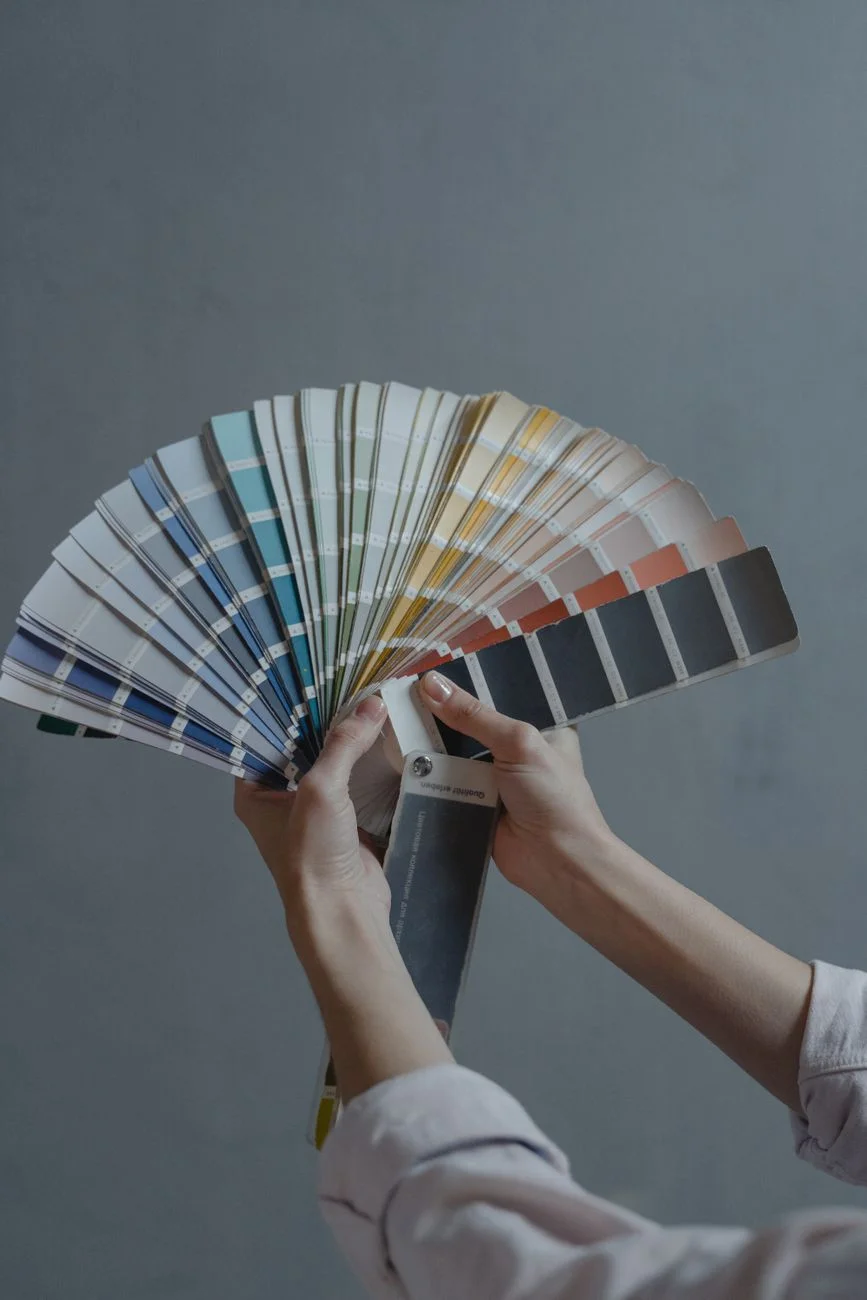
 Photo by Ellie Burgin on Pexels
Why Whole Numbers Are Not Enough
You might think the fix is to keep more decimals. It helps, but it does not make the problem disappear in the way you would hope. The key fact is that HSL with whole-number hue, saturation and lightness can represent only a limited set of colors. Hue has 360 steps, saturation has 101 and lightness has 101, which gives roughly 3.7 million combinations.
That is far fewer than the 16.7 million hex codes. By simple counting, many different hex values must share the same rounded HSL triple, and many hex values have no HSL triple that lands exactly on them. Round-tripping through whole-number HSL is therefore guaranteed to move some colors, no matter how careful the converter is.
If you allow one decimal place on each value, the grid gets finer and most colors survive the trip. The CSS Color Module specification allows fractional numbers in these functions, so writing hsl(217.2, 91.2%, 59.8%) is perfectly valid CSS. It is just less readable, which is why people round.
Grays and Edges Are Where It Gets Stranger
Some colors behave worse than the rest. A pure gray has equal red, green and blue values, so it has zero saturation, and hue has no meaning for it. A converter will usually report hue 0, but any hue would describe the same gray. If you store a gray as hsl(0, 0%, 50%) and later change only the hue, nothing visible happens, which can confuse people building palette tools.
Colors very close to black or white have a similar issue in a different form. At extreme lightness, a one percent step in lightness covers several RGB values, so the mapping gets coarse. A dark navy such as #264653 lands at about 23.7 percent lightness, and rounding it to 24 percent shifts every channel by one.
This is the kind of case that looks fine on screen and fails in a snapshot test. If you are building a theme generator, test grays and near-black colors specifically.
Gamut and Color Space Are a Separate Problem
Rounding is not the only way a color can change between notations. Hex, rgb() and hsl() in CSS all describe colors in the sRGB color space, which is the default assumption for web content. The Wikipedia page on sRGB explains what that range includes and why it is the baseline for most screens.
Newer CSS notations such as color(display-p3 ...) and oklch() can describe colors outside sRGB. If you convert one of those to hex, the converter has to squeeze it into the smaller range, and the result is a different color rather than a slightly rounded one. That is a bigger change than anything in the table above, and it is not reversible at all.
The practical takeaway is to know which space your source color lives in. If the brand guide gives you a hex code, you are in sRGB and rounding is the only concern. If it gives you a wide-gamut value, expect a visible shift when you convert to hex.
What This Means for Design Tokens and Tests
Rounding drift matters most where colors are compared as text. Design token pipelines, visual regression tests and linting rules that check "does this color appear in the approved palette" all do string or number comparisons. A value that is two steps off will be treated as a different color.
"Treat one notation as the source of truth and generate the others from it, never the other way around. Every extra round trip is a chance for a rounding error to land in production." - Dennis Traina, founder of 137Foundry
That advice is the single most useful habit here. Pick hex as the stored value, since it is exact and unambiguous, and generate HSL for display or for deriving lighter and darker shades. Do not convert hex to HSL, edit it by hand and convert back as part of your normal workflow.
 Photo by Andy Lee on Pexels
Practical Ways to Avoid the Drift
A few habits keep a palette stable without much effort. None of them require special tools.
- Store the original hex code as the canonical value and treat every other notation as derived.
- When you need HSL in CSS, keep one decimal place on hue, saturation and lightness if exact round trips matter to you.
- Compare colors with a small tolerance, such as a difference of two or three per channel, rather than exact equality.
- Generate shades from the canonical color programmatically, so a lighter variant is computed from the same source every time.
- Test grays, near-black and near-white values explicitly, since those are where rounding bites hardest.
The MDN reference for the CSS color value type is a good place to confirm which notations your target browsers support, including how fractional numbers are accepted.
Checking a Conversion Yourself
The easiest way to build intuition is to try it. Take a color you actually use, convert it to HSL, round the values the way you would for a stylesheet, and convert it back. If the hex changes, you have just seen the drift on a real palette instead of a textbook one.
A free color converter by EvvyTools shows the hex, RGB and HSL forms side by side, so you can compare the exact values with the rounded ones and see how far they move. If you are comparing several tools, check the full tools directory for related utilities, and the EvvyTools blog for more write-ups on why numbers from different tools disagree.
 Photo by https://kaboompics.com/ on Pexels
The Short Version
Hex and HSL describe the same colors, but writing HSL with whole numbers throws information away, and the trip back cannot restore it. The drift is small, usually one to three steps per channel, and invisible to the eye. It becomes a real problem only when colors are compared as exact values or passed through several conversions in a row.
Keep hex as the source, derive HSL for display, allow a decimal place when exactness matters, and compare with a tolerance. Do that and your palette will stay the same color from the design file all the way to the browser, which is what you wanted in the first place. Visit EvvyTools any time you want a quick check on your own values.