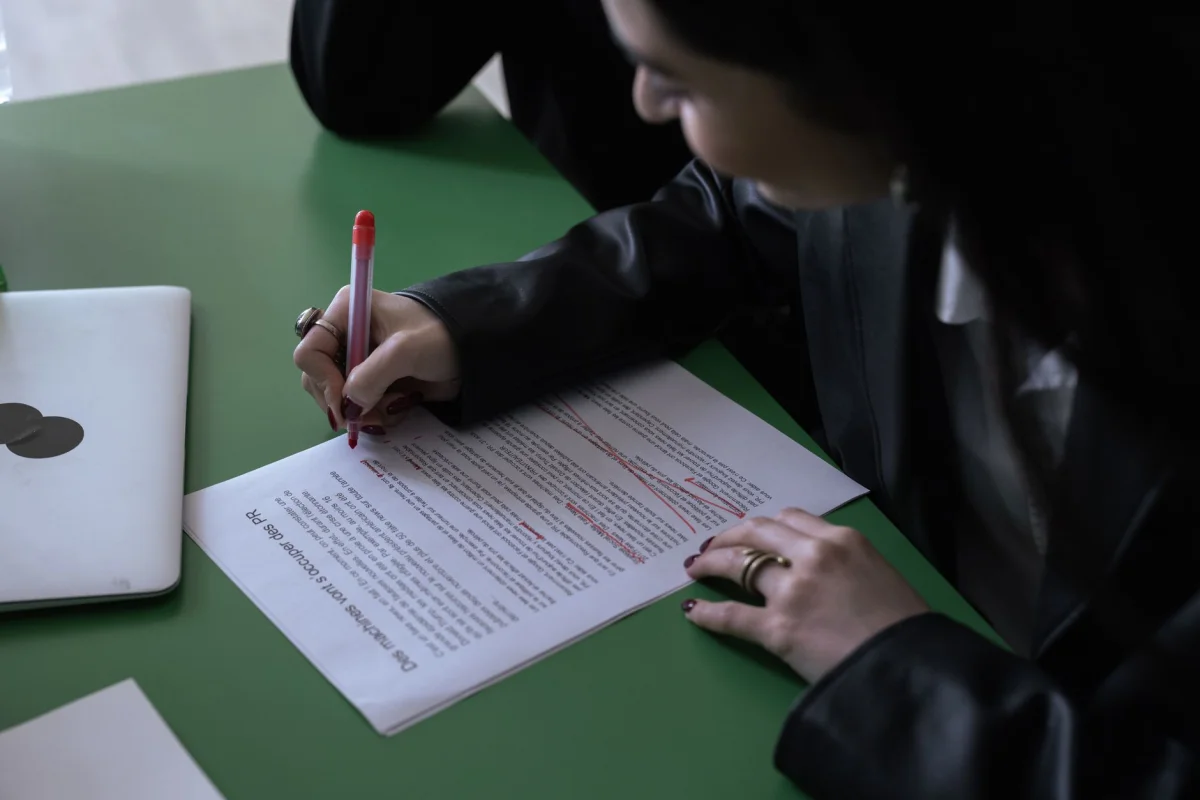


Two editors look at the same headline and one of them changes a single letter. "Tips for Working With Remote Teams" becomes "Tips for Working with Remote Teams," and neither of them is wrong. They are following different style guides, and the guides disagree about a handful of short words that appear in almost every headline ever written.
If you publish more than a few headlines a week, that disagreement turns into a real cost. Titles drift between styles, a newsletter looks different from the blog it links to, and someone eventually spends an afternoon arguing about whether "from" deserves a capital letter. The fix is not to find the one true rule, because there is not one. It is to understand where the rules split, choose a style on purpose, and apply it the same way every time.
What "Title Case" Actually Means
Title case is not a single standard. It is a family of conventions that all share one idea: capitalize the important words in a headline and leave the minor ones lowercase. Where they differ is in the definition of "minor." Nouns, verbs, adjectives, and adverbs are capitalized by every convention. The first word is capitalized by every convention. After that, the rules fan out.
The general idea has a long history in English printing, and the overview of title case on Wikipedia is a useful survey of how different publishers and style guides have defined it over the years. The short version is that readers have learned to expect capital letters on the words that carry meaning, and that every institution has drawn its own line around the small ones.
 Photo by Moussa Idrissi on Pexels
Where the Major Style Guides Draw the Line
The most common disagreement is about prepositions. Some guides decide by part of speech, so every preposition stays lowercase. Others decide by length, so a short word stays lowercase and a longer one gets a capital letter, regardless of its job in the sentence.
The Chicago approach is the part-of-speech version. It lowercases articles, prepositions, and coordinating conjunctions, and it does so whatever the length. Under that rule, "through," "between," and "without" all stay lowercase in the middle of a headline, even though they are long words. The first and last words are always capitalized.
The AP approach and the APA approach are the length versions, and they land in similar places. AP capitalizes words of four letters or more, including prepositions and conjunctions that long. APA's title case guidance, available through the APA Style site, works the same way: major words are capitalized, and so is any word of four letters or more, while shorter articles, conjunctions, and prepositions stay lowercase.
MLA sits closer to the Chicago side. The MLA Style Center explains that articles, prepositions, coordinating conjunctions, and the word "to" in an infinitive stay lowercase, whatever their length, with the usual exception for the first and last words.
The Same Headline Under Four Rules
The easiest way to see the split is to run one headline through each convention. Take "Building a Budget Without Losing Track of Spending." The word that causes trouble is "without."
Under a Chicago or MLA style rule, "without" is a preposition, so it stays lowercase. Under an AP or APA style rule, "without" has seven letters, so it gets a capital letter. The two results are "Building a Budget without Losing Track of Spending" and "Building a Budget Without Losing Track of Spending." Same words, same meaning, two correct answers.
Now take a headline with "with." It has four letters, so AP and APA capitalize it while Chicago and MLA do not. Headlines with "from," "over," "into," and "than" behave the same way. Nothing about these words changes between guides. Only the test applied to them does.
The Small Words That Cause the Most Arguments
A short list of words generates most of the disagreement. Knowing them lets you scan a headline and predict where an editor will disagree before anyone says a word.
Four-letter prepositions and conjunctions. Words like "with," "from," "into," "over," "than," and "when" are the main battleground. They are lowercase under part-of-speech rules and capitalized under length rules.
Words that change job. "Up," "out," "off," and "down" are prepositions in some sentences and adverbs in others. In "Cleaning Up Your Inbox," "up" is part of the verb phrase and carries meaning, so most guides capitalize it. In "Sitting up in Bed," the same word is closer to a preposition. Style guides address this with exceptions, and the exceptions are where headlines slip.
The word after a colon. Most guides capitalize the first word of a subtitle even when it would otherwise be a minor word. A headline like "Remote Work: A Practical Guide" keeps the "A" capitalized because it opens the second half.
Hyphenated compounds. Whether the part after the hyphen gets a capital letter depends on the guide and on the compound. This is one of the few places where reading the relevant section of your chosen guide is faster than guessing.
Sentence Case Is the Quiet Alternative
A growing number of publishers have stopped arguing about this altogether by switching to sentence case. In sentence case, only the first word and proper nouns are capitalized, exactly as in an ordinary sentence. The headline becomes "Why headline capitalization rules disagree on small words" and the whole question of "which words count as minor" disappears.
Documentation and product teams in particular tend to prefer it. The Google developer documentation style guide recommends sentence case for headings and titles, and it gives its reasoning in plain terms: it is easier to apply consistently and reads as less formal.
The tradeoff is that sentence case looks different from the capitalized headlines readers see in newspapers and magazines. For a technical blog or a help center, that is usually a feature. For a publication that wants a traditional editorial feel, it can look underdressed.
 Photo by Pixabay on Pexels
How to Choose a Style for Your Own Site
Picking a style is a small decision that pays off for years, so it is worth five minutes of thought rather than a default. A few questions narrow it down quickly.
First, who is your audience and what do they already read? A finance or health site whose readers skim news headlines will feel natural with AP-style capitalization. A site that publishes long-form essays or books often leans toward Chicago. An academic or research audience expects APA or MLA depending on the field.
Second, how many people write headlines? A solo writer can carry a style in their head. A team of six cannot, and the more writers you have, the more a simpler rule helps. Sentence case has the smallest rulebook, which makes it the easiest to hold steady across many contributors.
Third, how much of your content gets reused? Headlines that become page titles, social previews, email subject lines, and navigation labels will be seen next to one another, and mismatches become obvious. If one style has to survive in all of those places, the simpler one wins.
 Photo by cottonbro studio on Pexels
Why Consistency Beats Correctness
Here is the uncomfortable truth about headline capitalization: most readers cannot tell Chicago from AP, and nobody is penalized for choosing one or the other. What they notice is inconsistency. A blog where one post says "with" and the next says "With" in the same position reads as careless even though each headline is individually defensible.
That is why the written rule matters more than the particular rule. A one-page style note that says "we use AP-style title case, capitalize words of four letters or more, and always capitalize the word after a colon" will do more for your site than any amount of private expertise. It turns a judgment call into a lookup.
"Every team I have worked with has had a quiet headline fight that nobody ever resolved, so the site ended up with three styles by accident. Write the rule down once, put an example next to it, and the argument stops costing you time." - Dennis Traina, founder of 137Foundry
Where the Code and the CSS Come In
Capitalization also shows up in places that have nothing to do with editing. Web developers can change how text is displayed with the CSS text-transform property, whose behavior is documented in the MDN Web Docs. Its capitalize value capitalizes the first letter of every word, which is a blunt instrument: it does not know that "of" and "the" are usually minor words, so it produces something closer to "Start Case" than to any style guide's title case.
That is worth knowing before you rely on it. If your headlines need to follow a real convention, the text itself has to be written that way, because styling the display with CSS cannot apply a rule about which words are minor. CSS is better kept for what it does well, such as setting everything in uppercase for a label or a button.
Putting a Tool in the Loop
Applying a rule by hand to every headline is slow, and it is exactly the kind of repetitive task where small mistakes slip through. A converter helps with the mechanical part: you paste the headline, pick the format, and see the result immediately.
The free Case Converter handles UPPERCASE, lowercase, Title Case, and Sentence case, along with developer formats such as camelCase and snake_case, and it shows live word and character counts as you work. That makes it a convenient way to flip a batch of headlines to sentence case or to check how a title looks in a different format before you commit to it.
A tool will not make the policy decision for you, though. Title-case tools generally follow one fixed set of minor words, so if your chosen guide treats a particular word differently, give the output a quick read before you publish. Think of it as a fast first pass followed by a human glance.
 Photo by Jakub Zerdzicki on Pexels
A Short Headline Style Checklist
- Have you chosen one style, whether AP, Chicago, APA, MLA, or sentence case, and written it down?
- Is the first word of every headline capitalized, along with the first word after a colon?
- Do you know which short prepositions and conjunctions your chosen style leaves lowercase?
- Have you checked words that can act as either prepositions or adverbs, such as "up," "out," and "off"?
- Do page titles, social previews, and subject lines all use the same style?
- Is there a before-and-after example in your style note, so a new writer can copy the pattern?
Run through that list for a few weeks and it stops being a checklist and starts being habit.
Pulling It Together
Headline capitalization rules disagree because the guides define "minor word" in two different ways, one by part of speech and one by length. Neither is wrong, and the practical goal is not to win the argument but to end it. Choose a style that fits your audience and your team size, write it down with an example, and apply it everywhere a headline appears.
If you want to keep exploring how small formatting decisions shape the way text reads, browse the EvvyTools blog or the EvvyTools tools directory. The full set of free tools starts at the EvvyTools homepage.