You paste text from a PDF, a client email, or a web page, and something goes wrong. The layout breaks. A search query returns zero results even though you can see the word on screen. Your CMS strips the paragraph or throws a validation error. You check the text twice and it looks perfectly normal.
It is probably not your code or your platform. It is a character you cannot see.
Unicode includes hundreds of invisible, zero-width, and control characters. In the right context, they have legitimate uses. In your blog post, your spreadsheet formula, or your API payload, they cause failures that take far longer to debug than they should. Here is what they are, where they come from, and how to clean them out reliably.
What Makes a Character "Invisible"
Unicode is the universal character set that handles every writing system on the planet. Most of it is visible: letters, digits, punctuation, emoji. But some characters are purely functional. They signal things to renderers, text layout engines, or parsers about how adjacent characters should behave. They take up space in the byte stream without adding anything you can see.
A few of these characters have genuinely useful jobs in multilingual text rendering. A zero-width joiner tells a renderer to merge two emoji into a single combined glyph. A soft hyphen marks a safe break point for hyphenation in justified text. A byte order mark signals byte order at the start of a Unicode file.
Outside those specific contexts, they are noise. They ride in on copied text, survive most paste operations, and land inside content where nobody expected them. The Unicode Consortium documents the full character set with usage notes for every code point, which is worth a look if you want to understand where these characters come from and what they were originally designed to do.
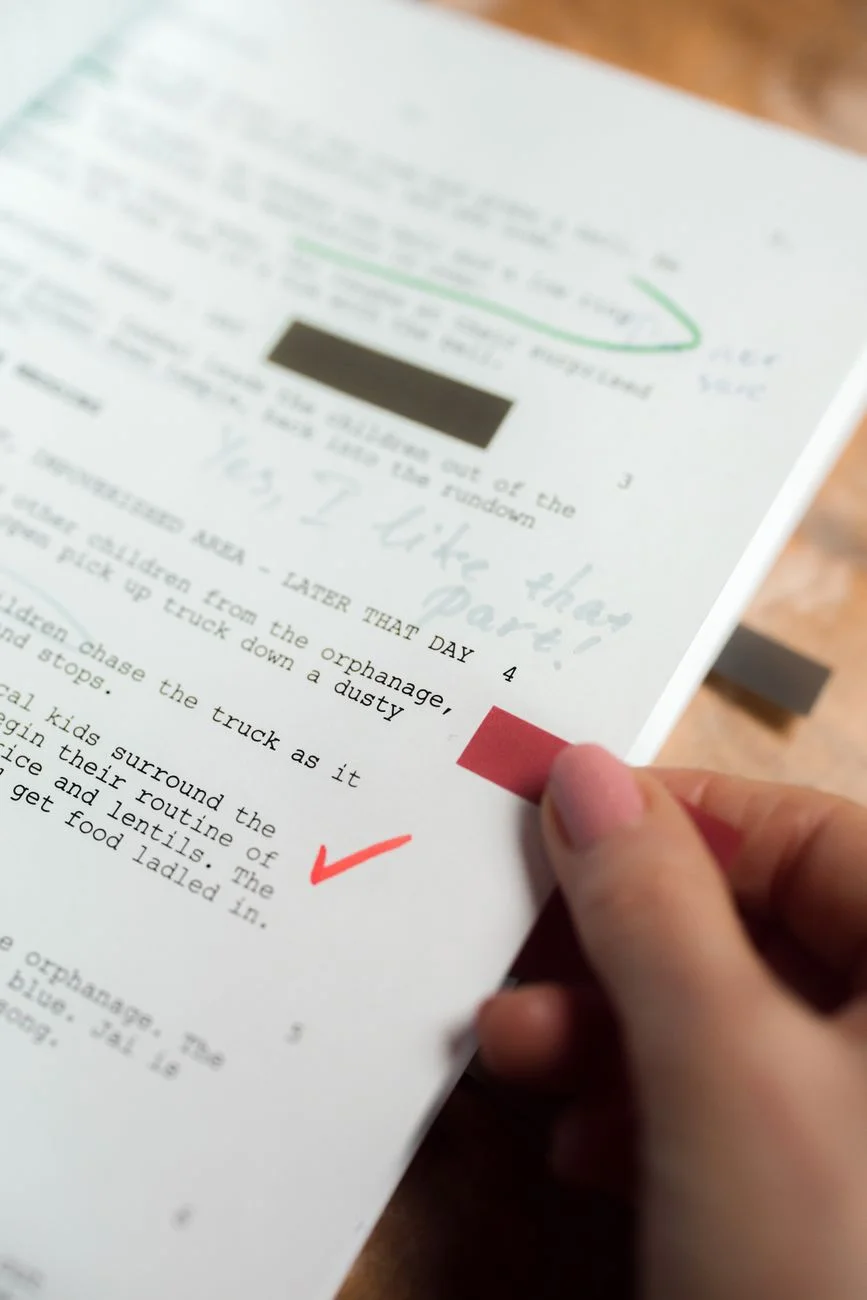
 Photo by Pixabay on Pexels
A Closer Look at the Common Offenders
Zero-width space (U+200B) is the most frequently encountered problem character. It occupies zero visual width, breaks nothing you can see, and quietly breaks plenty you cannot. Word-boundary detection fails. String equality checks fail. In some output systems, it renders as a literal box or question mark.
Byte order mark (U+FEFF), also called a BOM, was originally a byte-order signal for Unicode files. Modern text encoding rarely needs it, but Windows text editors still add it to files, and it tends to appear at the start of pasted content from those sources. Most browsers and CMS platforms ignore it visually. Many APIs and databases do not. Wikipedia's article on the byte order mark covers the full history if you want the technical context.
Soft hyphen (U+00AD) marks a suggested hyphenation break for text layout engines. In flowing text with hyphenation enabled, it is invisible and harmless. In plain strings, it breaks character counts, regular expression matches, and string comparison operations in ways that look like bugs in your code.
Zero-width joiner (U+200D) and non-joiner (U+200C) control character combining in scripts that require it. In English-only text, they serve no purpose and produce unpredictable behavior in tokenizers and regular expressions.
Non-breaking space (U+00A0) is technically visible but behaves like a regular space. The difference is that most string operations, validators, and tokenizers treat it as a distinct character. If a search query contains a non-breaking space, it will not match content with a regular space, and no error message will tell you why.
How They Get Into Your Content
The main entry point is copy-paste. PDFs embed zero-width characters as part of their text layout instructions, and they come along for the ride when you copy a passage. Rich text editors like Word, Google Docs, and Notion insert control characters as formatting hints that do not survive the trip to a plain-text context. Social media platforms use zero-width characters in usernames and display names.
Some CMS platforms and email builders insert non-breaking spaces automatically when you press the spacebar in certain input contexts. Template systems that merge content from spreadsheets or documents are another common vector, since the source data was probably copy-pasted from somewhere else at some point.
Most published content goes through several copy-paste steps between creation and final output. Each one is an opportunity for invisible characters to accumulate, and nothing in a standard editing workflow flags them.
 Photo by cottonbro studio on Pexels
The Problems They Cause in Practice
Search index failures. A zero-width space inside a keyword creates two tokens. If your database or search index does not normalize invisible characters, queries will not match visible content. Users search for something they can see on the page and get zero results.
HTML validation and CSS failures. Invisible characters inside an HTML attribute value or a CSS class name produce either a validation error or a class that matches nothing. A button with class button-primary[U+200B] will pick up no styling, and the problem will look like a CSS specificity issue.
Form validation errors that appear random. Email addresses, phone numbers, and other formatted inputs fail regex validation when invisible characters are present. The address looks correct on screen. The validation pattern correctly rejects the string with the invisible byte. Users give up and call support.
API errors and data corruption. APIs that accept string inputs often validate characters strictly. An invisible character can cause the request to fail outright, or worse, be accepted and stored as a corrupted value that causes downstream errors you cannot easily trace to the original source.
SEO and duplicate content problems. Two URLs that look identical but differ by an invisible character are different URLs to a search crawler. This splits link equity, confuses canonical tags, and creates duplicate content signals that are frustrating to diagnose through a crawl report alone.
"A lot of invisible character bugs look like infrastructure problems at first. Teams spend hours checking servers and databases when the actual issue is a zero-width space that came in with a headline copied from a design document." - Dennis Traina, founder of 137Foundry
 Photo by Daniil Komov on Pexels
Finding Them Without Dedicated Tools
You have a few options. None are fast.
Regex search in a code editor. In VS Code or a similar editor, you can search for a Unicode range pattern like [\u200B\u200C\u200D\uFEFF\u00AD]. This catches the most common characters but requires you to know the code points, remember the pattern, and run it manually every time. MDN Web Docs has a solid reference for Unicode character handling in browser and JavaScript environments if you need to go deeper on the specifics.
Browser developer tools. You can inspect a text node in the DOM and examine its character codes directly. This is useful when debugging rendered output after the fact, but impractical as a routine content check before publishing.
Hex editors. Paste text into a hex editor and look for byte sequences corresponding to invisible Unicode code points. You need to know the UTF-8 encoding of each character. It works, but it assumes prior knowledge and takes time.
All of these methods assume you already suspect a problem. They are diagnostic tools, not preventive ones. Running them routinely on every piece of content before it publishes is not realistic.
A Cleaner Approach
EvvyTools' Invisible Character Remover handles this in one step. Paste your text in and it highlights every invisible character by type, showing exactly where zero-width spaces, BOMs, soft hyphens, and non-breaking spaces are sitting in the content. Remove them all at once, or selectively if you need to keep specific characters for a valid use case.
It is the kind of check that saves time the first time it catches a zero-width space inside a page title that was preventing search matches. The full EvvyTools directory has related utilities for whitespace normalization and encoding issues if you are doing a broader content audit.
 Photo by Ron Lach on Pexels
Where to Check First
If you are working through a backlog and need to prioritize, these are the highest-value places to audit:
Page titles and meta descriptions. Character corruption here affects how content is indexed and displayed directly. If these were copied from design files or client briefs, check them before publishing or updating.
Navigation labels and button text. UI copy gets copied from wireframes and design systems constantly. Invisible characters here break automated testing, some accessibility tools, and string-based logic in front-end code.
Content imported from external sources. Spreadsheet exports, scraped data, and client-provided copy are all common entry points. A cleanup pass before the text enters your workflow prevents a whole category of downstream bugs.
Email subject lines. Subject lines copied from creative documents frequently carry invisible characters. Most email clients render them without issue, but some filtering systems flag the character encoding, which affects deliverability.
Making It a Routine
Paste as plain text whenever your tools allow it. Most editors and CMS platforms have a "paste without formatting" shortcut that strips invisible characters along with the visual formatting. It takes one extra key press and removes the risk entirely.
For content that comes from external sources regularly, a quick pass through a character cleaner before the text enters your workflow is faster than debugging problems after publishing. EvvyTools has a set of text utilities built specifically for pre-publish content cleanup. The EvvyTools blog covers encoding and text formatting problems in more depth if any of these issues are showing up regularly in your work.
Invisible characters are a minor problem until they are a significant one. Once you know what to look for and have a reliable way to check, they stop appearing as mysterious bugs and become a simple checkbox before content goes live. The W3C's internationalization resources are worth bookmarking if you work with multilingual content where some of these characters have legitimate roles.