
Someone on your list has not opened your last ten emails. Not because they unsubscribed, not because your content is bad - because the subject line gave them no reason to click.
Email open rates have been declining across most industries for years. The standard advice - personalize with the first name, add an emoji, create urgency - stopped being differentiating a long time ago because everyone uses it now. The real problem is more fundamental: most subject lines are predictable. Subscribers have seen thousands of marketing emails and their brains have built a filter that dismisses anything that fits a familiar pattern before conscious processing even begins.
This guide covers the specific patterns that cause ignoring, why they erode over time, and what high-performing subject lines actually do differently.
 Photo by Ash H on Pexels
The Two-Second Filter
When someone opens their email app, they are scanning, not reading. Research from Campaign Monitor, which publishes email engagement benchmarks across industries, shows the decision to open or skip happens in under two seconds. That is faster than most people read a full sentence.
The brain runs pattern recognition against prior emails, not against the words themselves. Any subject line that resembles previous marketing email patterns gets dismissed before the conscious mind finishes processing it. This is why subject line tactics from five or ten years ago have become counterproductive - they trained the filter to recognize them.
Understanding this changes how you approach the problem. It is not about finding the right power words. It is about breaking a pattern the reader has seen a thousand times and creating a specific reason to open that feels genuinely different.
Six Patterns That Cause Readers to Skip
1. Sender-First Framing
Subject lines that start from the company's perspective rather than the reader's lose the most important question before it gets asked: what is in this for me?
"We're excited to announce our new dashboard refresh" starts with company news. "Your reports now run in under 10 seconds" starts from the reader's experience of the same feature. These two subject lines describe the same product update but produce different open rates.
The fix is straightforward: rewrite the subject from what the reader gains or experiences, not from what the company is doing.
2. Vague Benefit Language
"Grow faster." "Work smarter." "Level up your workflow."
These phrases appear in millions of emails every day and have been diluted to near-zero meaning. They do not tell the reader what specific thing will happen if they open, and they give no reason to open now rather than later.
Specificity almost always outperforms generality. "Cut report prep by 40 minutes a week" is harder to write than "work smarter" but substantially harder to ignore, because it gives the reader a concrete claim to evaluate.
3. Fake Urgency
"Last chance." "Ends tonight." "Don't miss out."
These phrases work until the subscriber has received three "last chance" emails in a single month. At that point they have learned the urgency is manufactured, and urgency language gets recategorized as noise. It then actively hurts open rates by signaling: this is a promotional email, skip it.
Save urgency language for genuine deadlines. When it appears rarely and accurately, it carries real weight. When it appears in every other email, it disappears entirely.
4. Topic Mismatch
Even a well-written subject line fails when the topic has no connection to what the subscriber expected. A newsletter built around personal finance content that suddenly announces a social media webinar will see opens collapse. The mismatch breaks the implicit agreement the subscriber thought they were signing up for.
AWeber, which has published email marketing data for more than two decades, consistently finds that list relevance and segmentation drive open rates more strongly than subject line copy. A strong subject line cannot compensate for content the reader never asked for.
 Photo by JessBaileyDesign on Pixabay
5. Spam-Trigger Accumulation
Certain words and phrases - around "free," "guaranteed," "winner," excessive exclamation marks, and specific financial claim patterns - can flag your email for spam filters before it reaches the inbox. Email deliverability firms like Validity track inbox placement rates across millions of sends, and a spam-filtered email has a 100% non-open rate regardless of how good the subject line is.
The difficulty is that legitimate offers often include these terms. A free download. A risk-free trial. A cash example in a finance article. Running your subject line through a spam-trigger checker before sending catches this before it becomes a deliverability problem.
6. The Complete Summary
Subject lines that fully explain the email content remove the reason to open. When the reader already knows everything inside, there is no information gap to resolve and no payoff waiting on the other side.
"5 email marketing tips in this week's newsletter" - the email is already processed. The reader can skip without losing anything.
"The subject line pattern that probably cut your opens in half" - this creates a gap the reader has to resolve by opening.
This technique is called an open loop in copywriting. It is not manufactured mystery - it is framing the email around the unresolved question the body answers, rather than summarizing everything in advance.
What High-Performing Subject Lines Have in Common
The common thread in subject lines that consistently drive opens is that they create a small, specific reason to click: a genuine question, a concrete claim, or a framing the reader has not seen before in your emails. Not manufactured drama, not keyword stuffing.
Information gap: "The subject line rule I stopped following last year"
Specific contrast: "How one change got us to 42% opens without any personalization"
Concrete scenario: "Your welcome email is probably sending people to the wrong page"
Reframe: "Nobody opens 'check out our new feature' emails"
Direct question: "Are you testing your subject lines before you send?"
The last one is worth dwelling on. Most senders write a subject line in the last three minutes before hitting send, when attachment to the content is highest and judgment is weakest. Testing beforehand, with some distance from the material, catches patterns that are invisible from inside the writing.
"The problem with testing copy in a live send is that you learn from your failures in public. Testing beforehand, even with a simple scoring tool, catches the patterns experience has shown you cannot see in your own writing." - Dennis Traina, founder of 137Foundry
Pre-Send Testing vs. A/B Testing
A/B testing during a live send splits your audience between two variants and picks a winner based on early open data. It is a valid method but requires a large list for statistical significance, and half your subscribers see the lower-performing variant no matter what.
Pre-send testing is a different activity. It catches mechanical and pattern problems before the email goes out. The email subject line tester on EvvyTools scores your draft on the factors that predict open rates: length, word choice, spam trigger detection, mobile preview accuracy, and side-by-side comparison between alternates.
Finding a spam trigger before 30,000 people receive the email is meaningfully different from finding it in a post-campaign analysis. The same logic applies to length errors, vague framing, and patterns that look fine in isolation but land weakly in an actual inbox.
Mailchimp and SendGrid both have subject line preview tools built into their editors, but these are calibrated to their own deliverability systems. A standalone tester gives you an independent read and surfaces issues their tools have no incentive to flag.
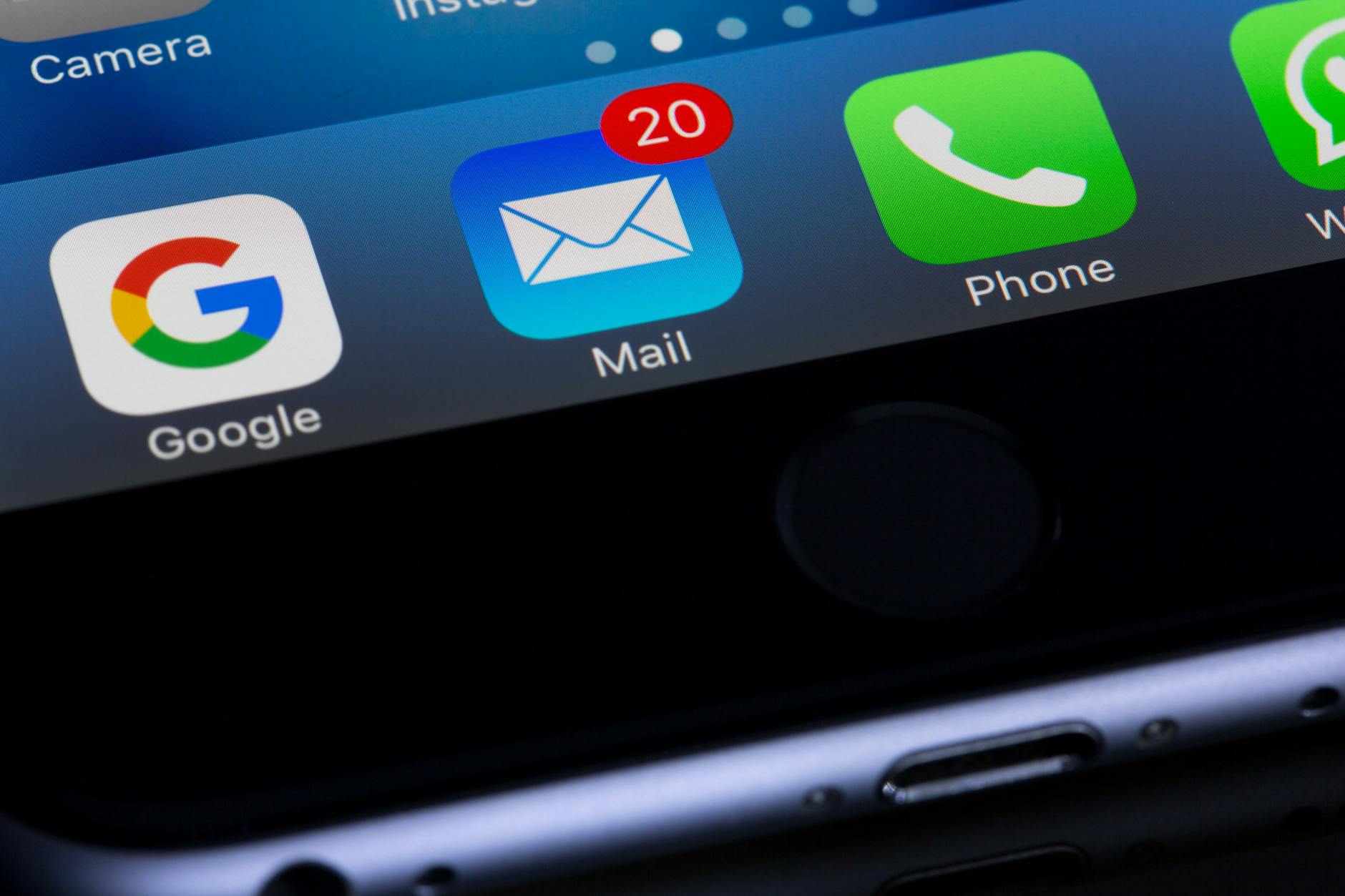 Photo by Torsten Dettlaff on Pexels
The Mobile Preview Problem
More than half of emails are opened on mobile devices. Most mobile inboxes display roughly 40 characters of subject line before cutting off. A 70-character subject line may show its important content only on desktop clients.
This is mechanical and fixable: put the essential information and the hook in the first 40 characters, treat everything after that as overflow. Check the mobile truncation point for every subject line.
Preview text - the snippet visible beneath the subject line in most email clients - is a second chance at the attention problem. Many senders leave this blank, which causes the email client to pull the first visible text from the message body. If that text is "View this email in your browser," that is what appears in the preview.
Write preview text as deliberately as the subject line itself. It occupies two-thirds of the visible surface in a mobile inbox, and most senders leave it to chance.
A Practical Pre-Send Workflow
- Write two or three subject line candidates while drafting the email body, not after it is finished.
- Run each through the email subject line tester to catch length issues, spam triggers, and mechanical problems.
- Check the 40-character mobile preview cutoff and confirm the hook appears before the truncation point.
- Write preview text explicitly, not as an afterthought.
- Track open rates per campaign and note which subject line patterns performed best for your specific audience.
The EvvyTools tools directory has additional writing and content tools for broader pre-send review workflows. The EvvyTools blog covers related testing approaches for other forms of marketing copy.
Step 5 is the one most senders skip. Industry benchmarks are averages across thousands of different audiences, industries, and send frequencies. Building your own record of what works for your list is worth more than any general benchmark, because it reflects what your specific subscribers actually respond to.
The Trust Frame
Open rates are a proxy for a deeper question: does your subscriber believe opening your email is worth their time? That trust builds slowly across consistent, relevant sends and erodes quickly from one misleading subject line, an unexpected topic shift, or a spam-trigger mistake.
Think of subject line quality as a trust maintenance problem, not a conversion optimization problem. Each send either slightly reinforces or slightly weakens the reader's implicit decision to stay engaged. The individual open rate on any single email matters less than the pattern across twenty sends.
 Photo by Suzy Hazelwood on Pexels
Auditing your last twenty subject lines is more useful than reading more subject line tactics. How many used vague benefit language? How many were about the sender rather than the reader? How many summarized the entire email in the subject so there was nothing left to discover? That audit will tell you more about your actual problem than any general guide.
The patterns above - vague benefits, fake urgency, sender-first framing - are easy to slip into under deadline pressure. Checking for them before sending, rather than reading about them after, is the difference between knowing the rules and actually applying them.