Robots.txt is one of the shortest files on the internet and one of the easiest to get wrong in a way nobody notices for months. A single overbroad Disallow line, written to keep crawlers out of an admin folder, can end up blocking the CSS and JavaScript that same crawler needs to render your public pages properly. Google doesn't always tell you when this happens. It just quietly renders your page as a blank box and ranks it accordingly.
The file's simplicity is exactly what makes it dangerous. There's no build step, no linter, no staging environment that catches a bad rule before it ships. You edit four lines in a text box, upload it to your site root, and it takes effect immediately for every crawler that respects it, which includes Googlebot, Bingbot, and most SEO tools you rely on for audits.
The rule you wrote for one folder often catches more than you meant
The most common failure mode is a Disallow rule that's broader than the folder name suggests. Disallow: /wp-admin/ is fine on its own, but a lot of WordPress robots.txt files also add Disallow: /wp-content/ to "clean things up," not realizing that /wp-content/ is where your theme's CSS, your plugin's JavaScript, and every image you've ever uploaded actually live. Block that folder and Googlebot can still fetch your HTML, but it can't fetch the stylesheet that makes the page look like anything. Since 2015, Google has explicitly said it needs to render pages the way a real browser would to judge them properly, so a page it can't style gets treated as lower quality even though nothing is "broken" for a human visitor.
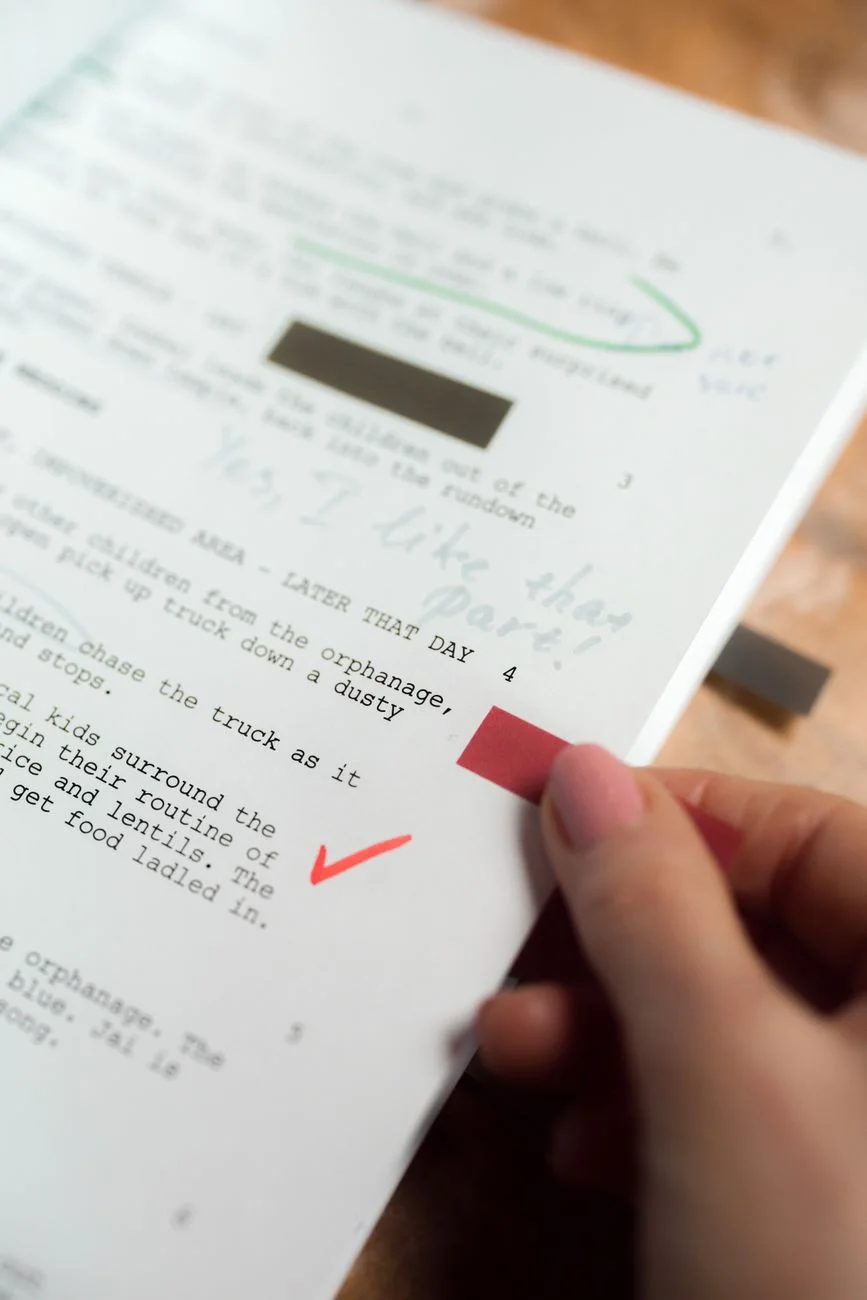
 Photo by panumas nikhomkhai on Pexels
Next.js sites hit a version of the same problem with the /_next/ directory, which holds compiled JavaScript chunks and static assets the framework generates at build time. A rule meant to hide internal build artifacts can accidentally take the whole rendered experience down with it, since /_next/static/ is exactly where the client-side JavaScript your page depends on gets served from. Laravel projects run into it with /storage/ and /vendor/, where a reasonable instinct to hide framework internals can catch public asset symlinks that live under the same path. Shopify stores add their own variant: blocking /cart/ or /checkout/ outright makes sense for private customer data, but overly broad app-proxy rules sometimes catch storefront pages that were supposed to be public and indexable.
Order and specificity matter more than most people assume
Robots.txt parsing isn't first-match-wins the way a lot of people assume. Google's parser looks for the most specific matching rule for a given path, not the first one listed. That means an Allow: /wp-content/uploads/ rule placed after a broader Disallow: /wp-content/ line will still win for anything under /uploads/, because it's the more specific path, regardless of which rule appears first in the file. This is genuinely useful once you understand it. It lets you block a whole directory and carve out one indexable subfolder with a single extra line. It's also exactly the kind of behavior that surprises people who assume robots.txt reads top to bottom like a firewall config, and who then can't figure out why a rule they added "later" doesn't override an earlier one.
Wildcards compound the confusion. Disallow: /*? looks like it targets query strings, and it does, but it also matches any URL containing a literal question mark anywhere in the path, which can catch URLs you didn't anticipate depending on how your CMS constructs pagination or filter links. Testing a rule against your actual URL patterns, not just the pattern you think you wrote, is the only reliable way to know what it does.
Crawl-delay is mostly a relic, but sitemap references still matter
A lot of older robots.txt templates still include a Crawl-delay directive, left over from when this was a meaningful way to throttle aggressive bots. Googlebot ignores Crawl-delay entirely and manages its own crawl rate through Search Console instead, so the line does nothing for the crawler most site owners actually care about. Bingbot still respects it, for what that's worth, so it's not purely dead weight, just far less useful than it looks.
"The robots.txt mistakes that actually cost someone rankings are never the exotic ones. It's always a rule copied from a template two years ago that made sense for a different site's folder structure and never got revisited." - Dennis Traina, founder of 137Foundry
What does still matter, and gets skipped more often than it should, is the Sitemap: directive pointing to your XML sitemap's absolute URL. It's not required for indexing, but it gives every crawler that reads robots.txt an immediate, unambiguous path to your full URL list, which matters more on larger sites where internal linking alone might not surface every page quickly.
 Photo by Josh Sorenson on Pexels
Testing beats guessing, every time
The safest way to change a production robots.txt is to test the exact rule against the exact URL before it goes live, not to reason about what a wildcard "should" match. A visual builder with per-platform presets for WordPress, Next.js, Laravel, and Shopify removes most of the guesswork, since each preset starts from folder structures those platforms actually use instead of a generic template someone wrote for a different stack. EvvyTools' Robots.txt Generator validates rules and lets you test specific URL paths against them before you deploy anything, which catches the "wait, that also blocks /uploads/" problem while you're still editing, not three months later when someone notices a folder quietly dropped out of search results.
That kind of pre-deploy testing matters more than it sounds like it should, because robots.txt errors are almost invisible in normal site monitoring. Nothing breaks visibly. Users never hit a 404. The site just slowly loses visibility for whatever got caught in an overbroad rule, and by the time someone notices a traffic dip and traces it back to a robots.txt change, weeks of crawl history have already been shaped by the mistake.
Robots.txt and "noindex" solve two different problems
A surprising number of robots.txt mistakes come from treating it as an indexing control, which it isn't. Robots.txt tells a well-behaved crawler which URLs it's allowed to request. It says nothing about whether a URL that's already indexed should be removed from search results. That's the job of a page-level noindex meta tag or X-Robots-Tag HTTP header, a completely separate mechanism Google's meta robots documentation covers in detail.
This distinction bites people in a specific, avoidable way: if you block a URL in robots.txt, Google can't crawl it to see a noindex tag on it, so a URL that was already indexed before the block can stay in search results indefinitely, sometimes showing up with no description because Google can't fetch the content anymore. If your actual goal is "get this page out of Google," the correct fix is almost always noindex, left crawlable, not a robots.txt block. Robots.txt is for keeping crawlers away from URLs you never wanted requested in the first place, like admin panels, internal search result pages, or infinite filter combinations that would otherwise waste crawl budget on a large catalog site.
A short checklist before you touch robots.txt in production
- Confirm any
Disallowrule targeting a folder doesn't also catch static assets (CSS, JS, images) needed to render pages in that folder or its siblings. - Remember specificity wins over order: a narrower
Allowcan carve an exception out of a broaderDisallow, in either order. - Don't rely on
Crawl-delayfor Googlebot; use Search Console's crawl-rate settings instead if you need to throttle it. - Add a
Sitemap:line pointing to your sitemap's full URL. - Test wildcard rules against your actual URL patterns, especially anything involving
?,*, or$. - Re-check your robots.txt after any CMS or framework upgrade that changes folder structure, since a rule that was safe under the old structure may not be under the new one.
Why this file deserves more attention than four lines usually get
Robots.txt sits at an odd intersection: it's trivial to write and genuinely consequential to get wrong, with almost no immediate feedback loop when it goes sideways. That combination is exactly why so many sites are running a robots.txt file nobody has looked at critically since it was first set up, often copied from a template that fit a different platform's folder layout.
 Photo by Digital Buggu on Pexels
Spend fifteen minutes auditing yours against the folder structure your actual platform uses today, not the one a tutorial assumed three years ago. Check what's actually blocked using a real URL tester rather than reading the rules and guessing, and confirm your sitemap reference points at a URL that resolves. It's also worth reading the IETF's Robots Exclusion Protocol specification once, since it's the actual standard Google, Bing, and every other major crawler formally committed to following in 2022, replacing what had been an informal, loosely followed convention for three decades.
If you want a starting point instead of building rules from scratch, browse the EvvyTools tools directory for the visual builder, or read more technical breakdowns like this one on the EvvyTools blog. For the canonical spec behind all of this, Google Search Central's robots.txt documentation and the Robots Exclusion Protocol on Wikipedia are both worth reading once, since almost every practical rule above traces back to a detail specified in one of the two.